

Register Your Restaurant
Create your owner account and add the essential restaurant details.
Get your restaurant online in minutes. Create digital menus, manage branches, accept QR orders and grow your business without building a custom website.
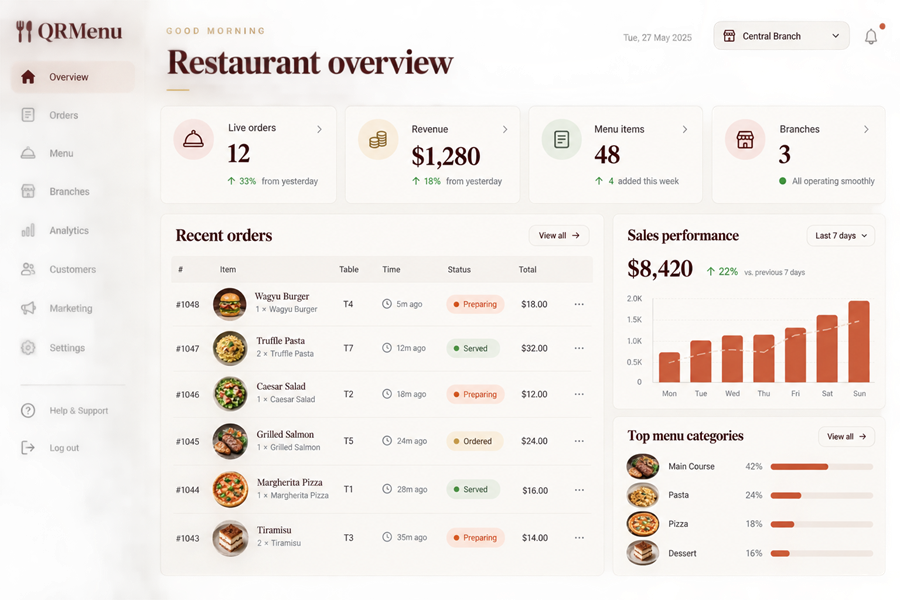
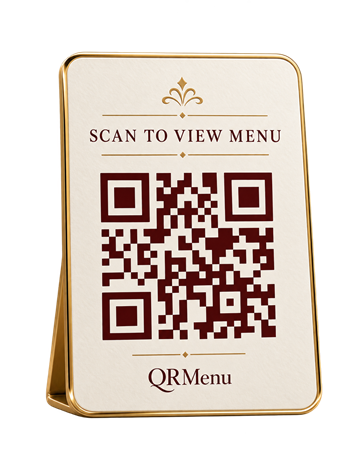
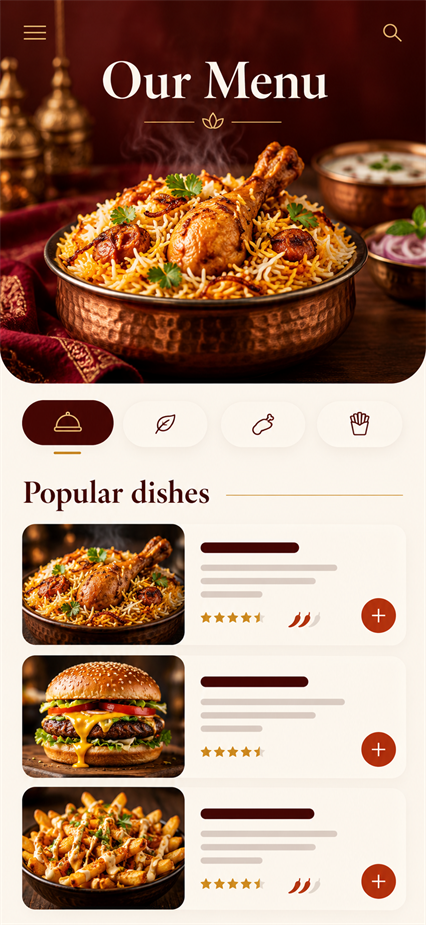
Follow the real setup path from your first account to a fully managed restaurant operation.
Create your owner account and add the essential restaurant details.
Add menu categories, items, prices, photos and valid modifiers.
Configure locations, operating settings and the tables your team serves.
Create secure QR codes for active tables and place them where guests can scan.
Publish your menu and receive server-validated customer orders.
Review sales, demand, preparation and service trends for better decisions.
No installation and no customer account—just scan, browse, order and track.
Scan the secure QR code on the table or restaurant display.
Explore the restaurant’s published categories, items and deals.
Choose quantities, notes and the modifiers available for each item.
Review server-calculated totals and submit the order securely.
Follow progress from submission through preparation and service.
Your team gets a clear operational view while guests enjoy a simple ordering flow.
Authorized staff see new table, pickup and delivery orders on the live board.
Controlled preparation states keep service clear and consistent.
Relevant team members receive operational alerts and updates.
Completed service contributes to authorized restaurant reporting.
Clear answers about setup, ordering and QR table service.
No. QRMenu provides the public restaurant and digital menu experience while your team manages operations from the BackOffice.
Yes. Branches keep their own operational settings while remaining under the correct restaurant account.
Yes. Customers use their mobile browser, so no app installation or customer account is required.
Each active table uses a secure token that resolves the correct restaurant, branch and table context.
Publish menus, connect tables and manage service from one powerful platform.
✓ Free to get started✓ No technical skills required✓ Support & guidance